Project Yume
A digital sanctuary, not a database.
The problem
Modern game launchers are sterile and utilitarian. PC gamers juggle five or more separate apps — Steam, RetroArch, Dolphin, the Epic launcher, whatever Switch emulator is current — each one looking like a spreadsheet pretending to be a game shelf. The library is fragmented. The experience is fragmented.
Project Yume was built as a rejection of that coldness. One window, every system, designed to feel like a place worth spending time in even when you're not playing anything.
The sanctuary
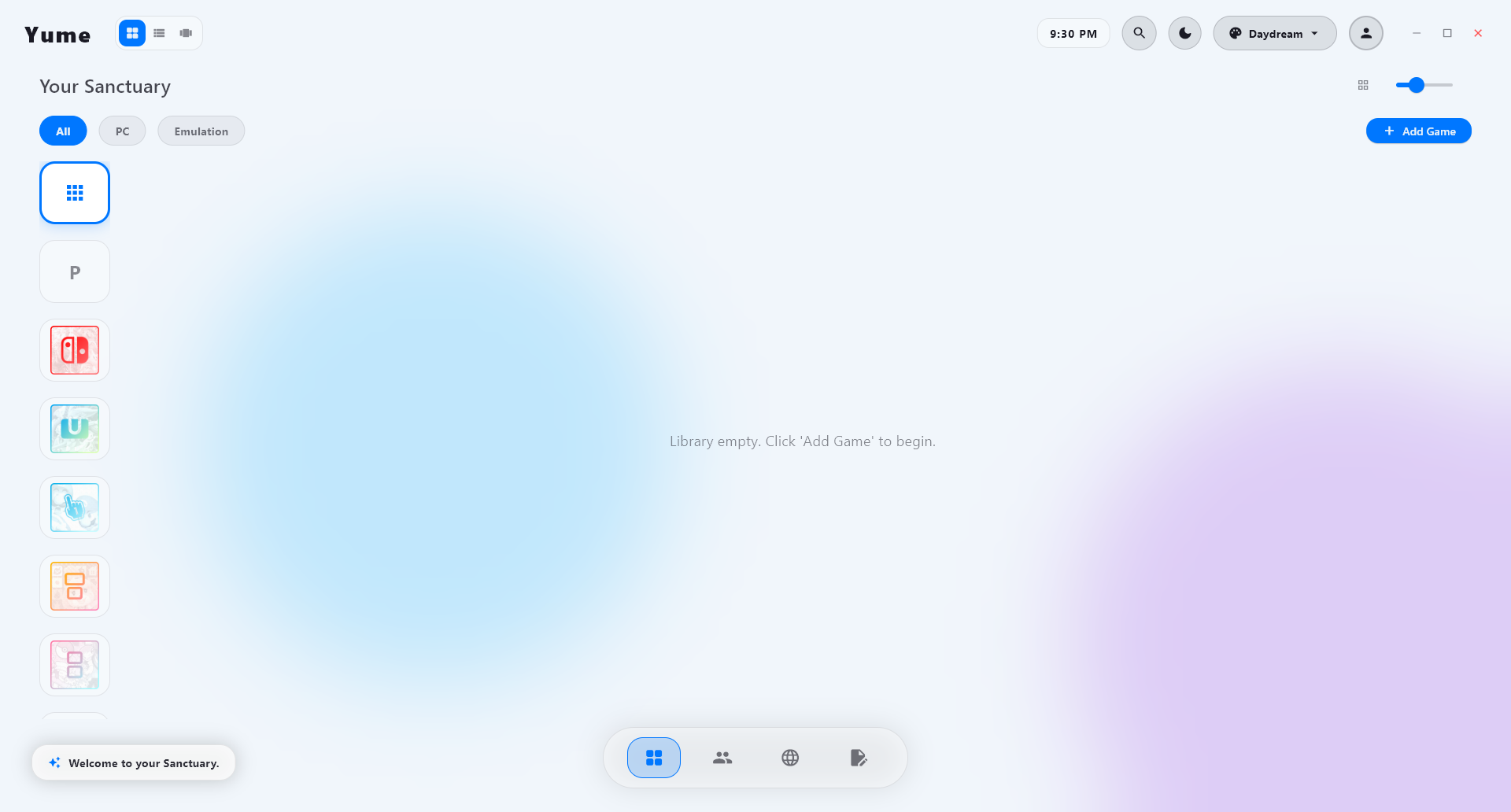 Daydream theme
 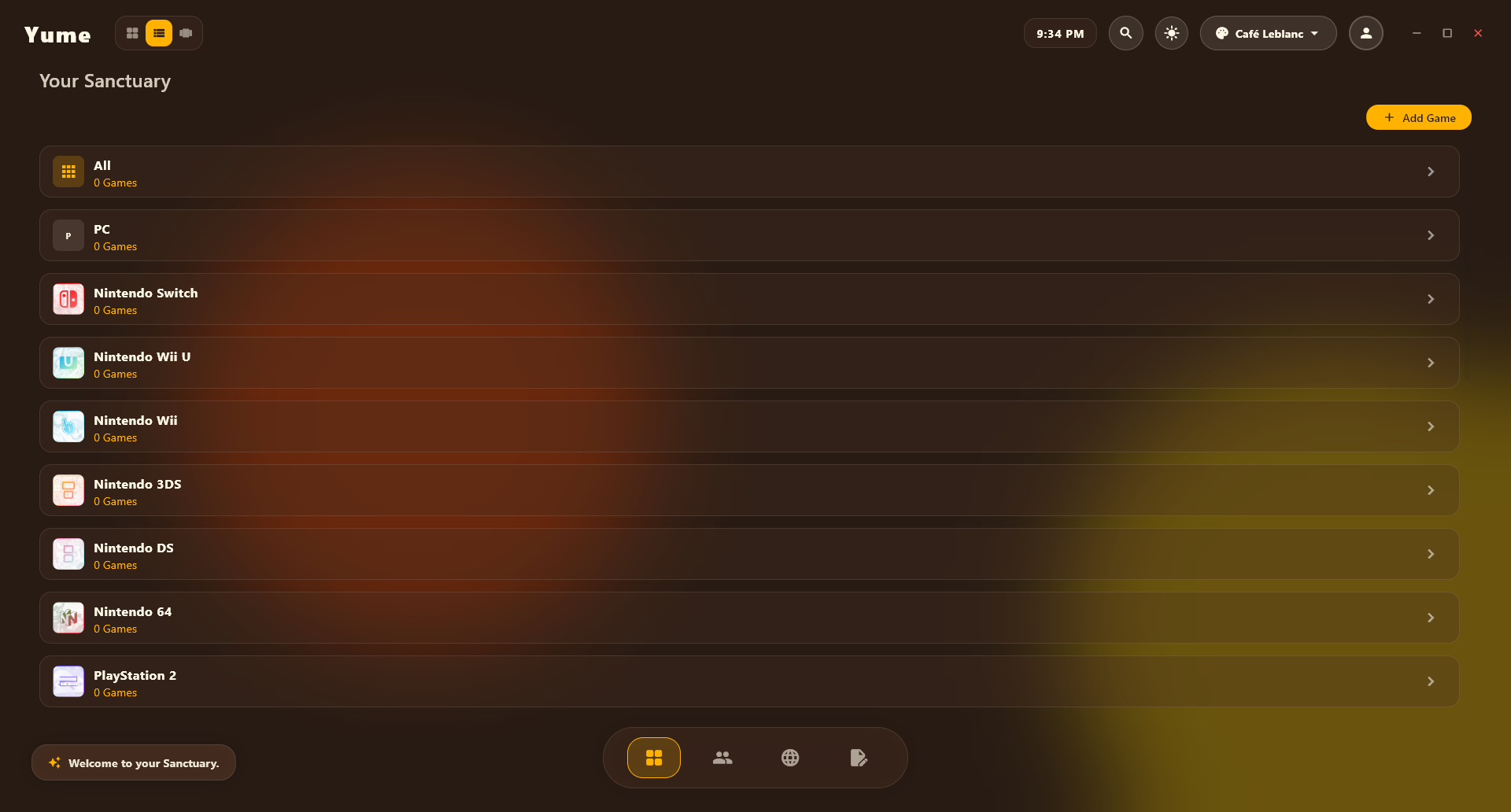 Café Leblanc theme
 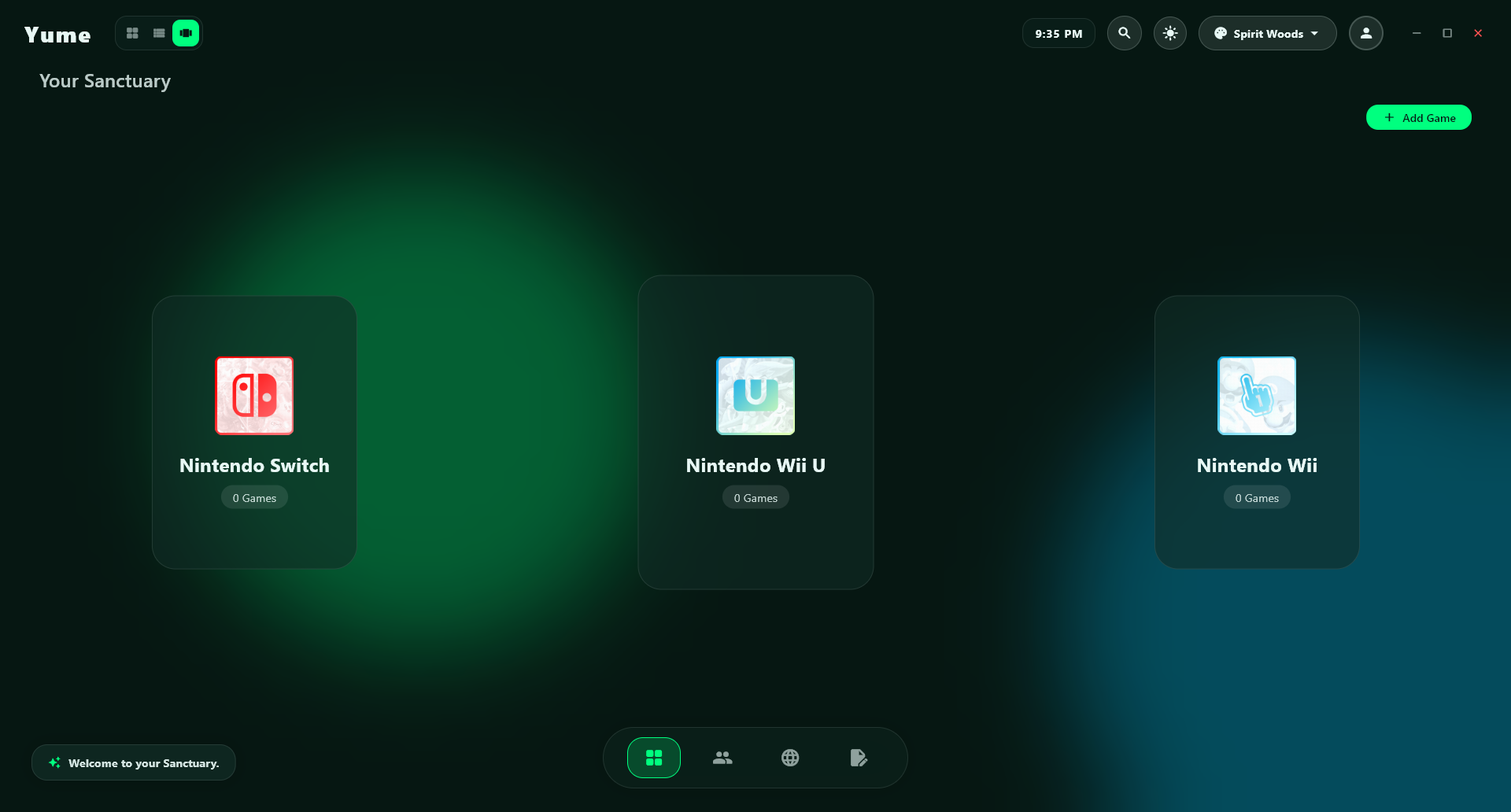 Spirit Woods theme
 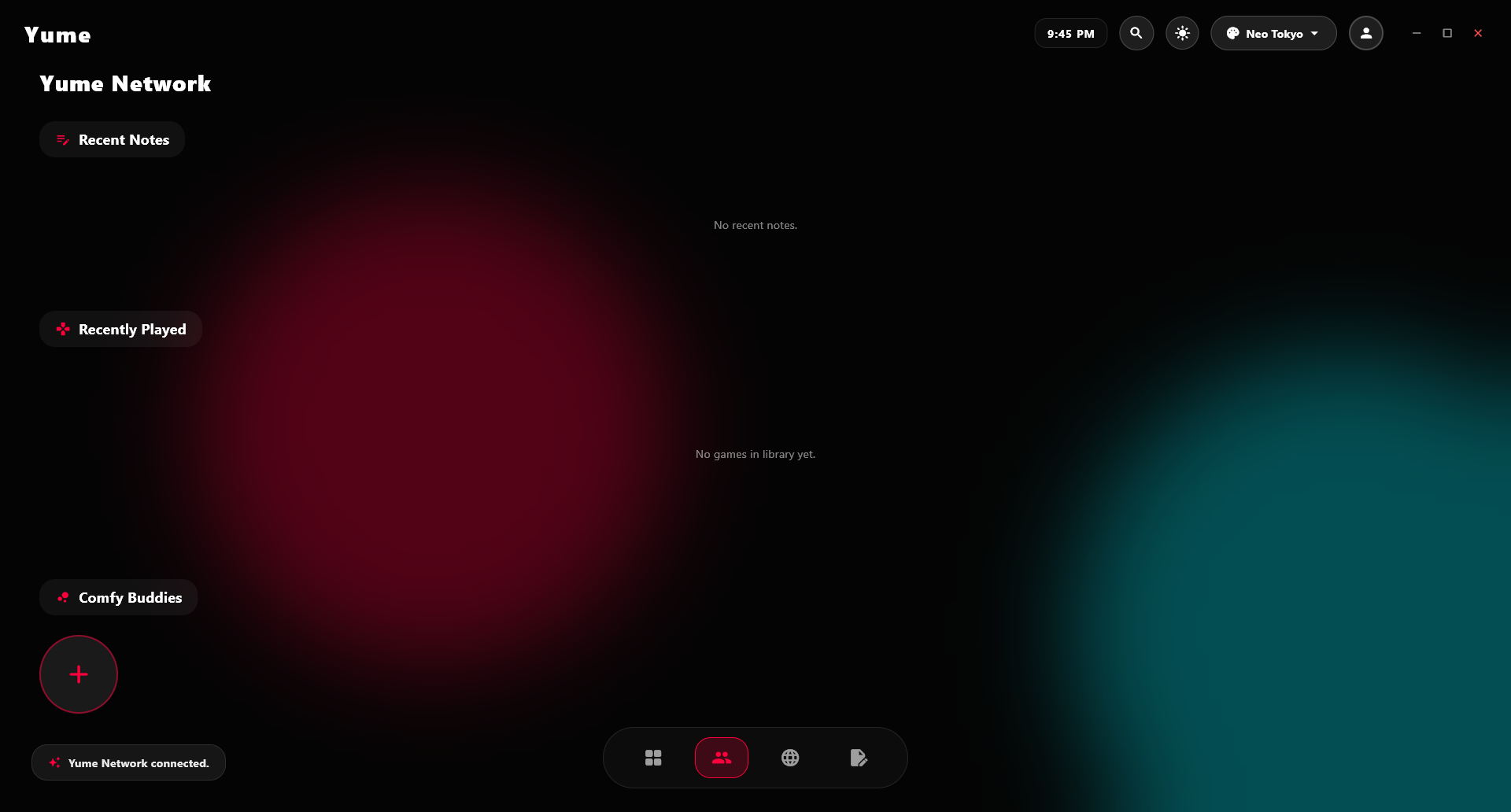 Yume Network
 What's inside
One home for everything
PC games and retro/console emulators (NES to PS3) live side by side in a single clean library — with grid, list, and cover-flow views.
Automatic cover art
Pulls high-quality artwork from SteamGridDB the moment you add a game, so your library looks beautiful without lifting a finger.
Launch and forget
Start any game or emulator straight from Yume and it drops you right back the moment you close — with optional one-click Quick Launch for your favorites.
Make it yours
10 handcrafted light & dark themes plus a full custom theme studio with a live color picker — design your own look and share it with a single code.
Smart, low-effort setup
Yume auto-names your games, remembers your emulators per console, and handles tricky formats like PS3 JB folders — so adding a game takes seconds.
Browser, notes & profile
Stream, look up a walkthrough, or jot something down without ever leaving the app — all wrapped in your own personalized profile.
Stack
Download Yume
Alpha 0.0.1 — free, offline-first, and built to feel alive. Pick your platform below.
Alpha software. Windows · macOS. ~40 MB.